AI-generated illustration — not a retailer product photo.
The cheapest-looking ecommerce plan is not automatically the lower-cost choice for your business. A useful comparison starts with your expected sales, payment mix and operational needs, then adds every cost needed to run the store—not just the subscription shown on a pricing page.
Build a complete ecommerce cost comparison
AI-generated illustration — not a retailer product photo.
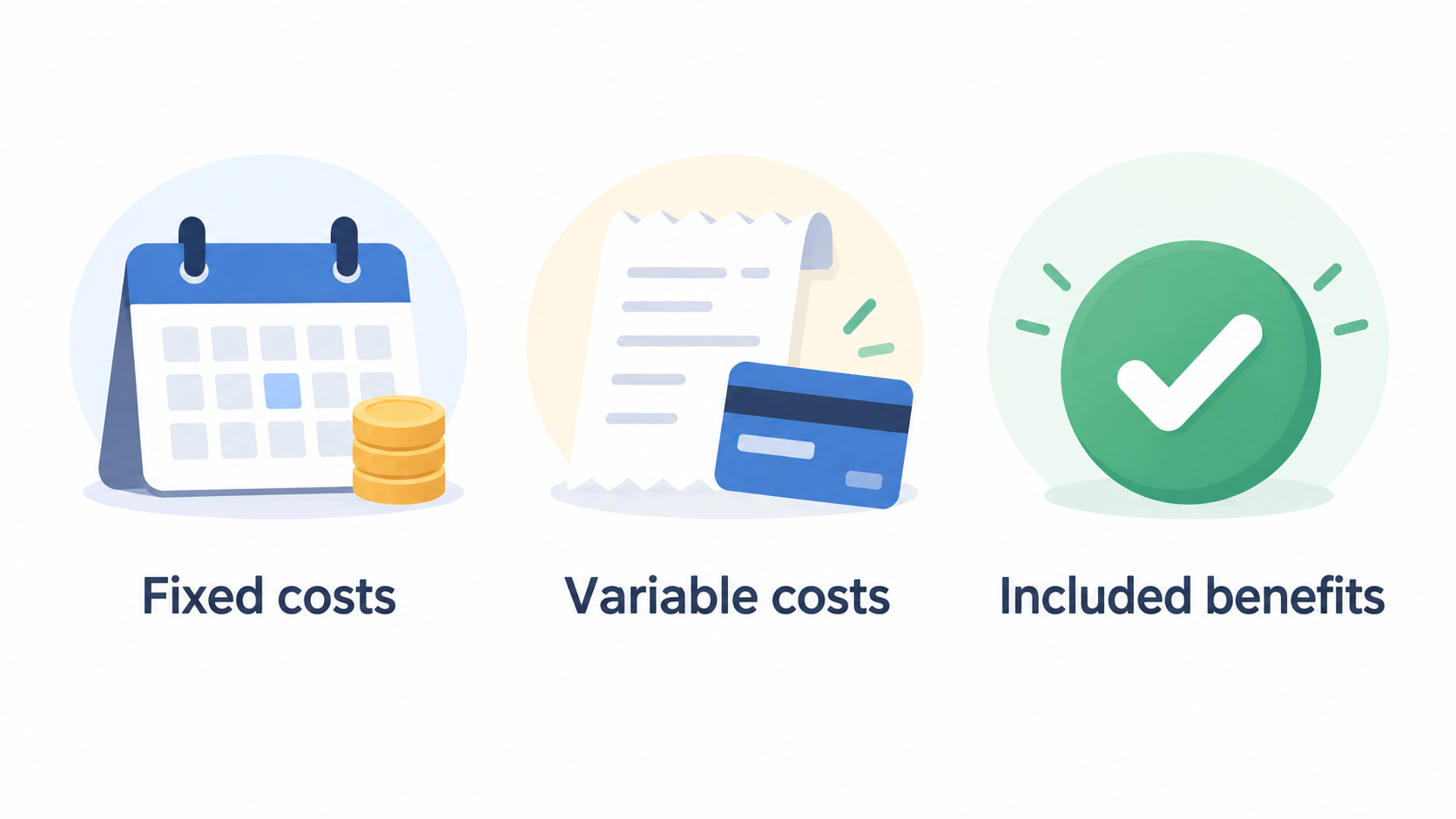
Start by separating fixed costs from costs that change as you sell. Fixed costs can include the platform subscription, domain-related requirements, staff access needs and any apps or services you decide are essential. Variable costs can include payment processing on each sale and, where applicable, platform transaction fees. This prevents a low monthly headline price from masking costs that grow with revenue or order volume.
Included benefits also matter. Wix describes Premium plans as adding benefits such as removing Wix ads, connecting a personal domain, 24/7 customer support, and additional storage and bandwidth. Shopify’s UK pricing page lists plan-specific card rates and staff-account limits alongside features. These are not interchangeable benefits, but they show why a plan comparison should begin with what your store actually needs.
Build a simple list before comparing providers:
- Subscription cost on the billing cadence you expect to use
- Payment-processing charges for your likely payment mix
- Any platform transaction fees that apply to your setup
- Required staff access, domain and site requirements
- Essential selling, fulfilment, point-of-sale or multichannel capabilities
- Optional apps, services and implementation costs
Treat optional spend honestly. An add-on may be worthwhile, but it should not be assumed to be included in the advertised plan price.
Compare what each plan includes before buying add-ons
AI-generated illustration — not a retailer product photo.
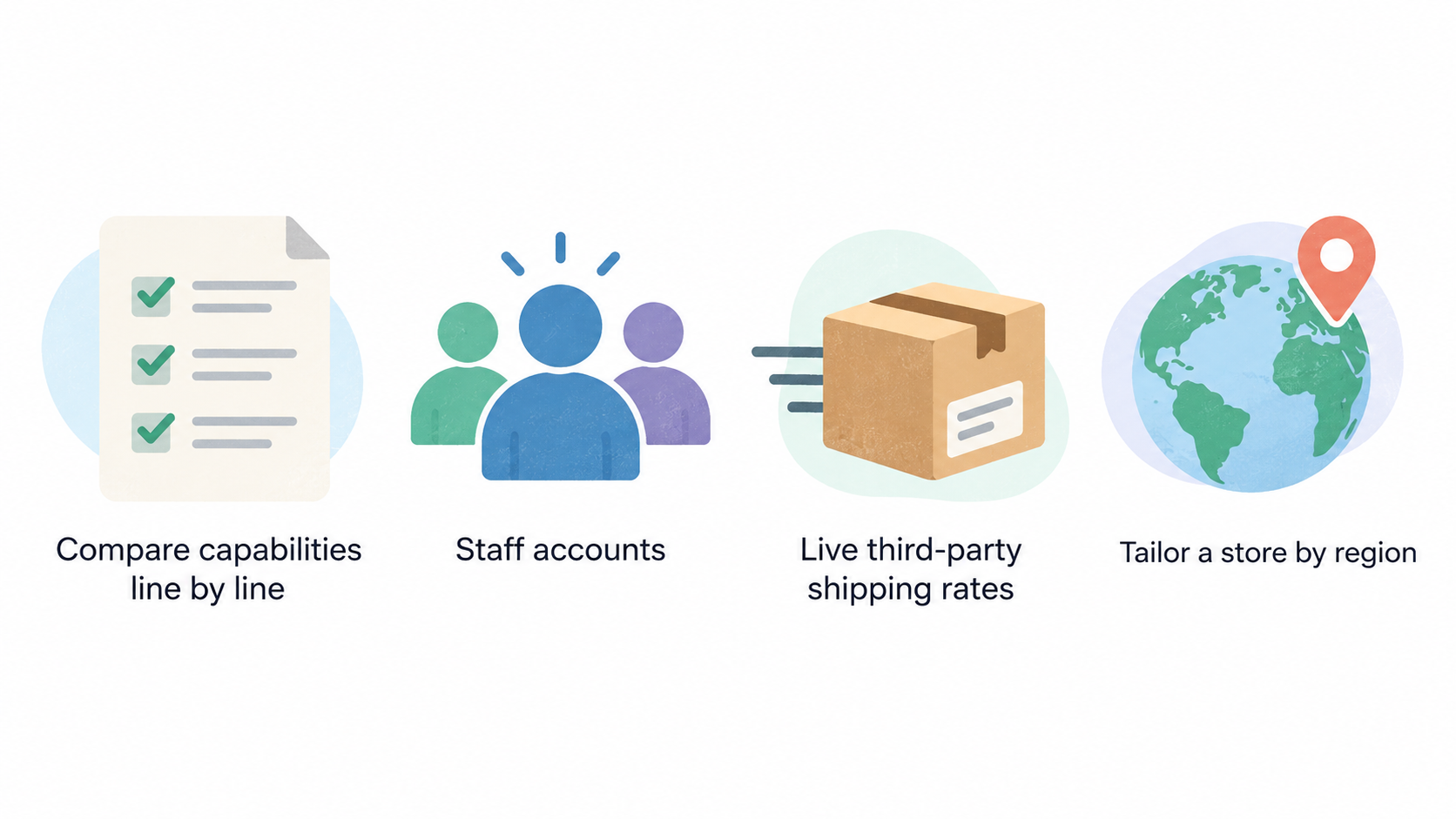
Compare capabilities line by line before deciding that you need another paid tool. The useful question is not “Which platform has the most features?” but “Which plan already covers the capabilities my business will use in the next billing period?”
Shopify’s UK page illustrates why plan comparison needs this level of detail. Its listed plans vary in staff-account allowances: Grow includes up to five staff accounts, while Advanced includes up to 15. Advanced also lists live third-party shipping rates and the ability to tailor a store by region. Shopify presents multichannel selling, in-person sales and checkout as included platform capabilities, while POS Pro is shown as an add-on for physical storefront needs.
Wix likewise directs customers to compare Premium plans for the plan that suits their needs. Its support guidance says a Premium plan is needed to connect a custom domain, and that each Premium plan is valid for one site. Those conditions can affect the cost of a business operating more than one site, even before it considers additional tools.
Use a comparison sheet with three columns: “included now”, “needed soon” and “not needed”. Put features such as staff accounts, selling channels, checkout controls, shipping functions, support and domain requirements into those columns. Then mark any external product you would need only because the selected plan does not cover it.
This approach avoids two common mistakes: paying for a higher plan solely because it has impressive but unused features, and choosing a lower plan before discovering that a required capability will need a separate purchase. Verify each feature against the current provider page, because plan availability and inclusions can change.
Account for transaction fees and payment processing
Payment processing and platform transaction fees are related but different costs. Squarespace explains that payment-processing rates are charged for every purchase, while transaction fees depend on the billing plan and what is being sold. The provider also notes that the payment solution used determines payment-processing rates, and that rates can differ by billing plan and the country in which the business operates.
That distinction matters because a percentage or per-transaction charge can become significant as sales increase. A subscription is usually a fixed commitment for the billing period; processing charges generally scale with completed purchases. If a transaction fee applies to your setup, it is another cost to model separately rather than folding it into a vague “fees” line.
Provider, geography and payment mix can change the result. Shopify’s UK pricing page lists card rates beginning at different levels across its plans, and Squarespace notes that payment solutions may include its native option or third-party processors such as Stripe, PayPal or Square. Squarespace also says that availability of Squarespace Payments is being rolled out to more countries. Do not assume a rate, processor or feature shown for another market is available to a UK business.
For each shortlisted plan, record:
- The processor you expect to offer at launch
- The stated rate structure that applies to that plan and market
- Whether a separate transaction fee applies to what you sell
- The payment types and card mix most likely for your customers
- Any point-of-sale or third-party payment requirements
Use the provider’s current regional pricing and fee documentation for the final numbers. A plan can look cheaper on subscription cost but become less suitable if the payment arrangement, staff limit or required selling feature does not fit your operation.
Calculate the total cost for your sales scenario
AI-generated generic editorial illustration — not a retailer product photo and does not depict the reviewed product or service. Help UK small-business readers translate variable fees and required features into a scenario-based total-cost choice.
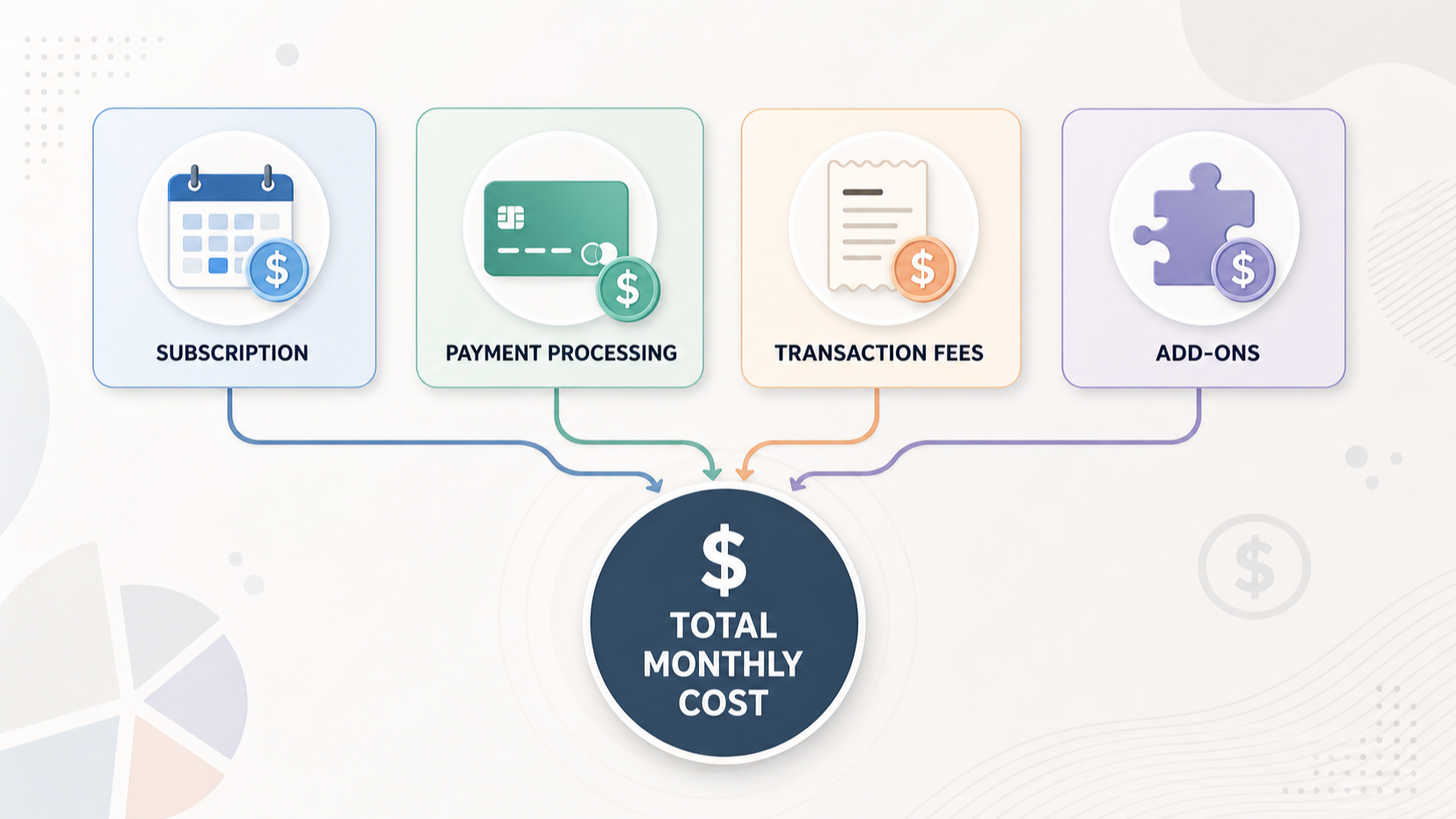 Use the same scenario for every platform so the comparison is fair. Start with projected monthly sales, expected number of orders and the payment mix you expect to accept. Add the platform subscription, then calculate processing and any applicable transaction fees using the current provider terms that match your plan, location and payment setup. Finally, add only the tools and services that your store genuinely requires.
A practical worksheet can use this structure:
Total monthly cost = subscription + required add-ons + payment-processing costs + applicable transaction fees + other operating costs
Keep the inputs visible. For example, create rows for projected orders, average order value, projected monthly sales, card-payment share, fixed monthly add-ons and one-off setup costs. If a fee has both a percentage and a per-order component, model both parts rather than using an estimated blended rate.
Then run more than one scenario. A low-sales launch scenario can reveal whether fixed add-ons are proportionate to early revenue. A higher-volume scenario can show how transaction-linked charges affect the result as order count rises. The point is not to predict the future perfectly; it is to see which assumptions drive the decision.
Be cautious with annual billing comparisons. Annual commitments may alter the subscription cost, but they do not remove the need to check feature eligibility, payment terms and required add-ons. Compare the annual option only after you have validated that the selected plan remains suitable for the full commitment period.
Next step: Build a one-page total-cost worksheet for your expected first month and a higher-sales month before choosing a billing term.
Use a pre-purchase checklist before committing
Before buying, verify the plan against the practical conditions of your store. Check whether the plan is available in your region, whether it supports the payment solution you need and whether its price is displayed for your market. Wix states that Premium-plan prices may differ by geographic location; Squarespace states that payment rates can differ by plan and country.
Confirm operational limits too. Wix says each Premium plan is valid for one site and that a Premium plan is required to connect a custom domain. Shopify lists different staff-account allowances by plan. These details can matter more than a small subscription difference if your business needs multiple sites, a custom domain or several team members.
Use this final checklist:
- Confirm the current UK price, billing term and available plan
- Confirm custom-domain, site-count and staff-access requirements
- Confirm payment options and current fee terms for your location
- List every optional service you expect to need at launch
- Test the comparison against both low- and higher-sales scenarios
- Document what would trigger a plan upgrade or downgrade
Wix says customers can upgrade or downgrade a plan when needs change. That flexibility may reduce the need to overbuy at launch, but you should still verify the current switching terms and feature consequences directly with the provider before committing.
Frequently Asked Questions
Should I choose the cheapest ecommerce plan if I expect low sales at first?
Not automatically. Compare the lowest plan that meets your current requirements, then include required add-ons, payment-processing costs and any applicable transaction fees in a low-sales scenario. A lower subscription is useful only if the plan supports the domain, staff access, payment setup and selling features you need.
How do payment-processing charges differ from platform transaction fees?
Squarespace distinguishes them clearly: payment-processing rates apply to every purchase, while transaction fees depend on the billing plan and what you sell. Model them as separate lines so you can see which costs scale with transactions and which depend on your platform setup.
Can I move to a different plan when my store needs change?
Wix states that customers can upgrade or downgrade a Premium plan when their needs change. Plan-switching rules, pricing and feature availability can vary, so check the current provider terms for your region before relying on a future change.
Do regional pricing and payment availability affect the comparison?
Yes. Wix says Premium-plan prices may differ by geographic location, while Squarespace says payment rates can differ by billing plan and country and that availability of its native payments service is expanding. Use the current UK-specific provider information for your final calculation.
Sources
Related reading
- BigCommerce review for UK growing retailers: platform fit and buying questions
- How to choose an ecommerce platform for a UK small business
- Ecommerce platform feature checklist: inventory, payments, shipping, and integrations
- Annual vs monthly ecommerce platform plans: when paying yearly can make sense
Editorial information: About our editorial team · Read our editorial policy · Read our affiliate disclosure.