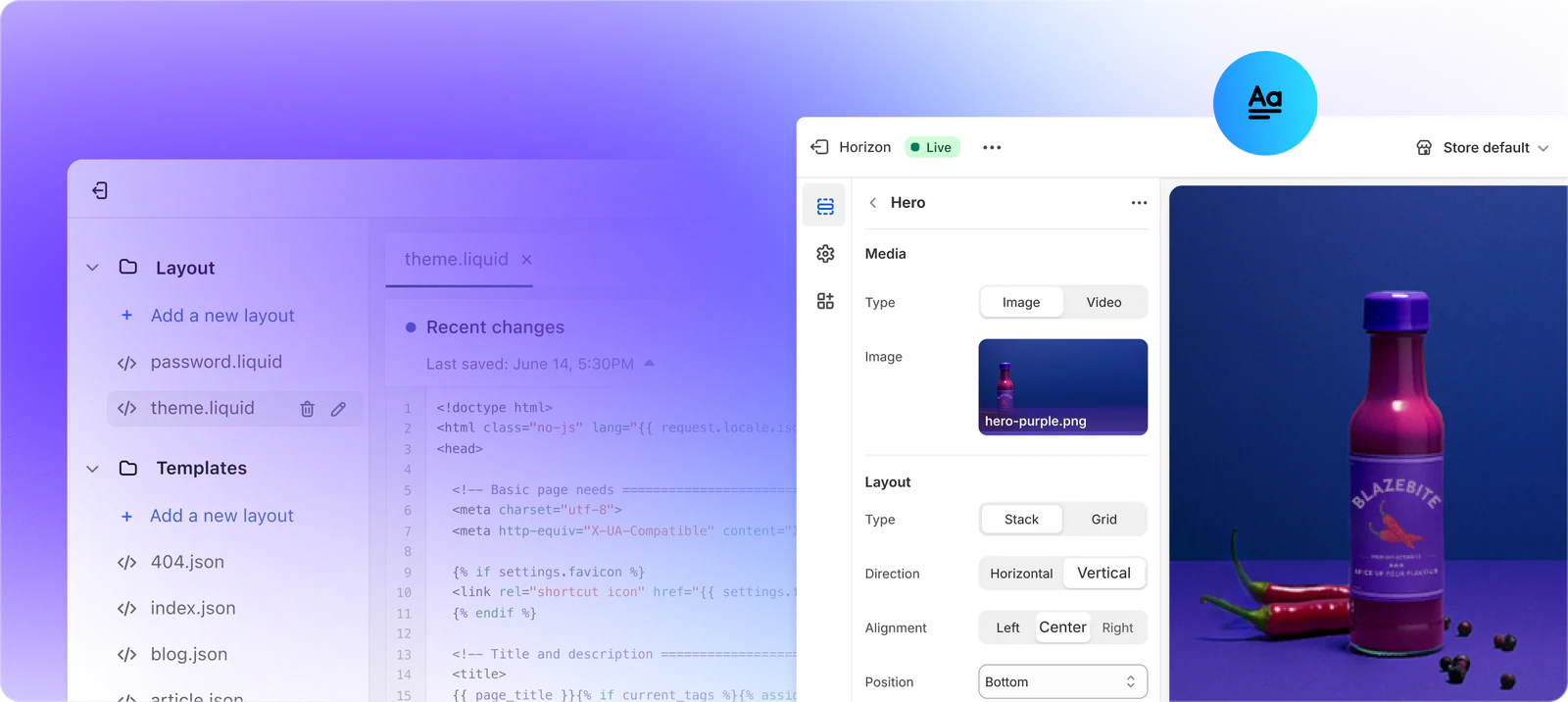
Choosing an ecommerce platform is less about finding a universal winner and more about finding an operating fit. Your store needs to support the way you sell today while leaving sensible room for change. Use this checklist to compare inventory, payments, delivery, integrations and the amount of technical responsibility your team can realistically carry.
What an ecommerce platform needs to do
AI-generated illustration — not a retailer product photo.
An ecommerce platform is the operating system behind an online store. It should give the team a practical way to organise products, publish a storefront, take orders, manage checkout and keep the tools around the store working together. The useful question is not whether a platform has a long feature list; it is whether those features support the daily workflow from product setup to customer delivery.
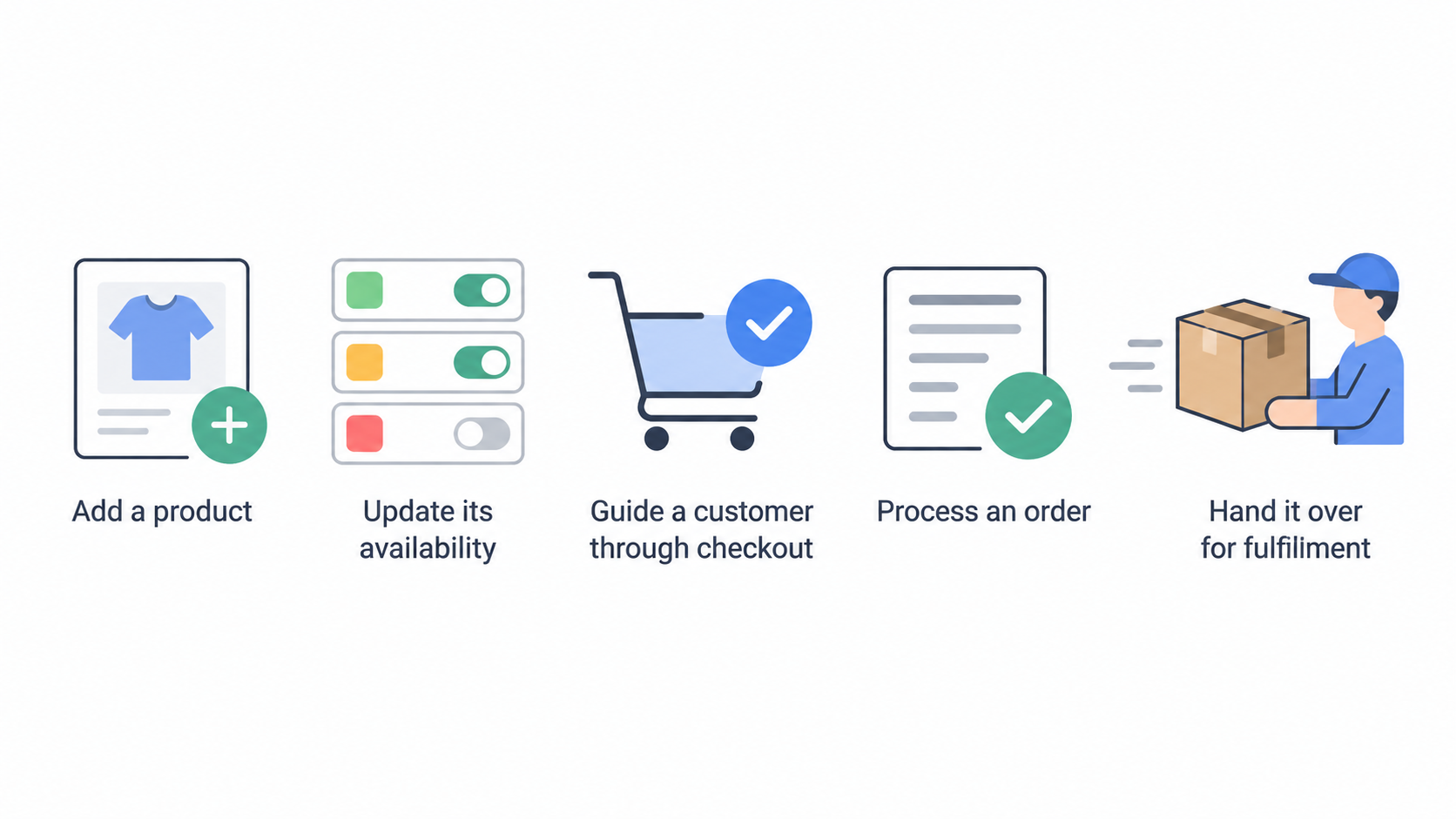
Start with the core journey. Can a team member add a product, update its availability, guide a customer through checkout, process an order and hand it over for fulfilment without creating workarounds? Then consider who will maintain the store. A simple setup that the team can run consistently is often a better fit than a highly configurable setup that no one has time to maintain.
There are also different ways to build a storefront. Shopify presents theme-based, headless and custom-development routes, which illustrates why “platform” does not always mean one fixed implementation. The right route depends on the experience you need, the skills available and the cost of ongoing changes. Shopify’s online-store overview describes these build options.
Before comparing providers, write down the non-negotiable jobs your store must perform. That turns a feature comparison into a decision about operations.
Inventory and product management
AI-generated illustration — not a retailer product photo.
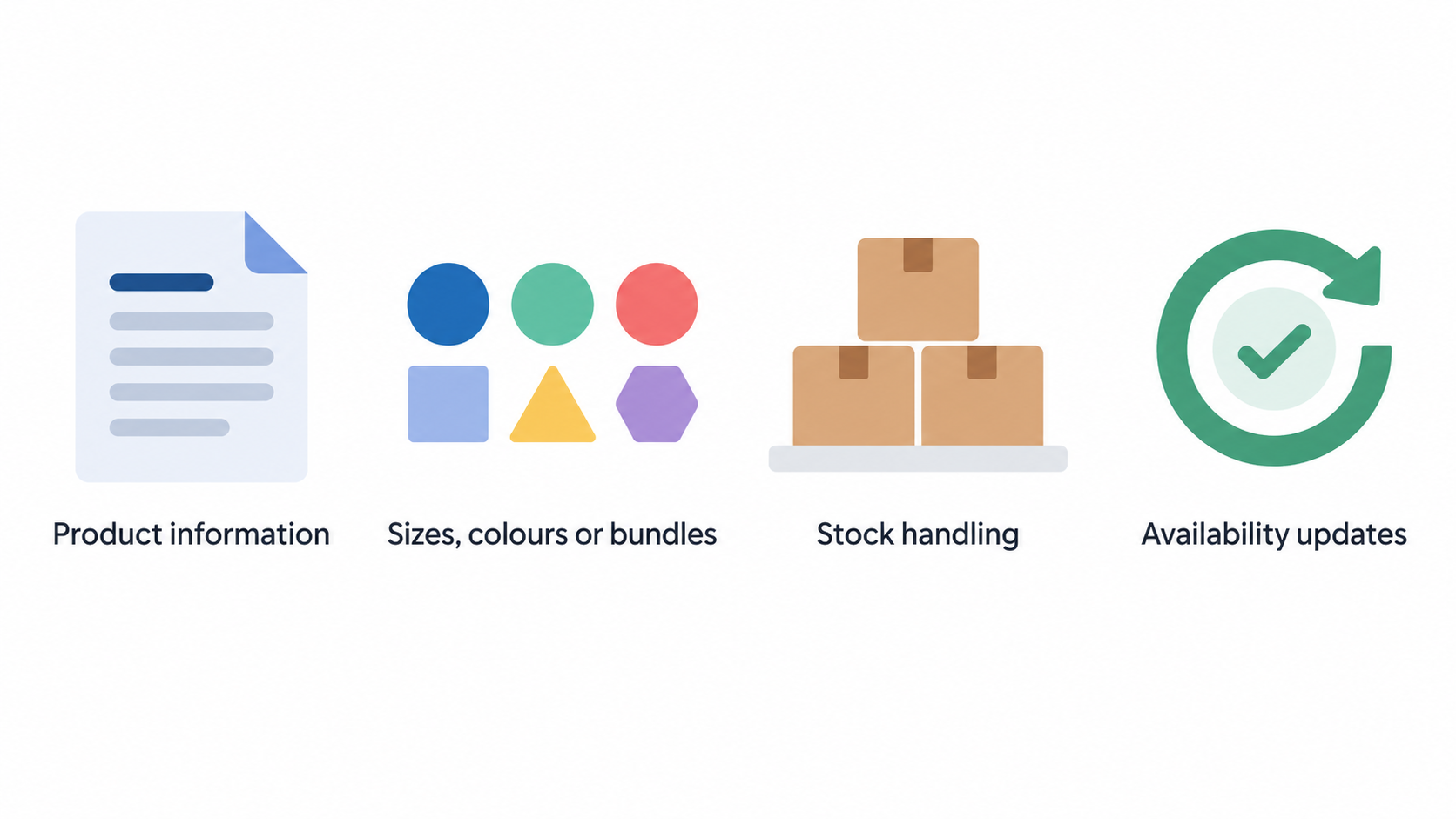
Inventory requirements start with the products you actually sell. List the information each product needs: titles, descriptions, images, prices, variants and availability. If an item comes in several sizes, colours or bundles, test whether the platform lets the team maintain those choices clearly without creating confusing duplicate listings.
Next, map stock handling. A small catalogue with one fulfilment location may need only straightforward availability updates. A larger or growing operation may need to account for stock held in more than one place, products supplied by a third party, pre-orders or items that are made after purchase. The important issue is not to buy advanced functionality by default; it is to avoid a system that forces staff to reconcile stock in spreadsheets every day.
Ask who changes product data and how often. Merchandising, purchasing and customer-service colleagues may all need reliable information about what can be sold. During a trial, add representative products, create variants, make a stock change and follow the result through to an order. That exposes whether the workflow fits the people who will use it after launch.
For a broader preparation sequence, link this decision to your inventory management guide.
Payments and checkout
AI-generated illustration — not a retailer product photo.
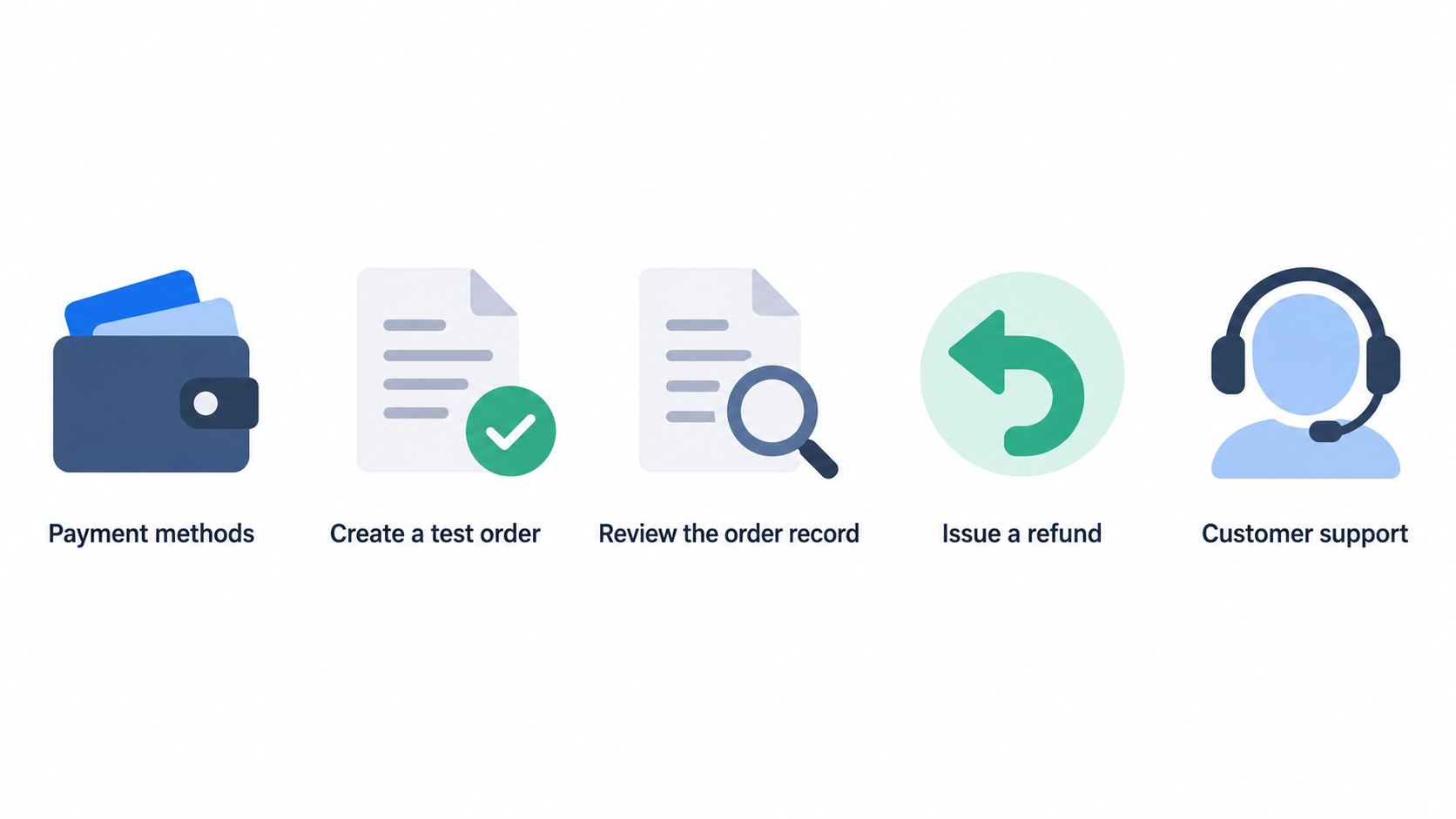
Checkout affects both the customer experience and the work required after a sale. Check that the platform can support the payment methods your UK customers are likely to expect, and confirm which providers are available for the specific business, product category and trading setup. Availability, onboarding requirements, transaction fees, payout timing and refund handling all deserve a direct check with the platform and payment provider before a commitment.
Run through the full operational loop, not only the payment screen. Create a test order, review the order record, issue a refund and see what information customer support can access. If the team needs fraud-review controls, gift cards, discounting or tax-related settings, include those scenarios in the test as well.
Shopify describes checkout as part of its online-store offering and positions store management and scaling as connected activities. That is a useful reminder to assess checkout alongside the rest of the workflow rather than as an isolated feature. Shopify’s official overview provides the vendor’s description.
Use your UK payment gateway guide to record provider-specific questions and costs.
Shipping and fulfilment
A delivery promise only works when the order information reaches the people and systems that fulfil it. Define where orders go after checkout: an in-house packing team, a warehouse partner, a dropship supplier or a mixture of these. Then test whether the platform’s order workflow gives each party the information it needs.
Check practical cases rather than relying on a settings page. Set up a typical UK delivery option, an expedited option if relevant and an order that needs a refund or amendment. If you sell to more than one region, make sure the team understands how delivery rules, prices and customer messaging will be managed. Also check how tracking details are added and how an exception, such as an unavailable item, is handled.
The best shipping setup is one that the team can operate consistently. A streamlined first version may be preferable to a complex set of rules that requires manual intervention on every order. Document the exceptions your business expects, then use them as trial scenarios.
See the ecommerce shipping guide for a delivery-workflow checklist.
Integrations and extensibility
Most stores rely on connected tools as well as the platform itself. Common workflow areas include accounting, email marketing, customer service, analytics, product feeds and fulfilment. Start with the workflow, not an app count: identify the data that must move, who owns it and what happens if the connection fails.
BigCommerce’s official ecommerce-tech-stack material identifies Apps & Integrations, Product Feed Management, Data & Analytics, Checkout, Payments, Inventory and Shipping among the capabilities it presents for running a store. This shows the breadth of areas a commerce platform may need to connect or support. BigCommerce’s ecommerce tech stack guide is a useful vendor reference for those categories.
For each essential connection, ask whether it is native, supplied by a third party or requires custom development. Then establish who will configure it, monitor it and handle changes to either system. An integration that works on launch day but has no maintenance owner can become an operational risk later.
Keep a short “needed now” list and a separate “possible later” list. The former should drive the buying decision; the latter should inform the platform’s ability to grow with you.
Related planning resources include an ecommerce integrations guide and guidance on a CRM for small businesses.
Where platform flexibility creates trade-offs
Flexibility can be valuable, but it changes what the business is responsible for. A theme may offer a quicker route to a working storefront. Apps can extend a standard setup. Custom development or a headless approach can provide greater control over the customer experience and technical architecture. Each route can also introduce more decisions, cost and maintenance work.
Shopify explicitly presents several build routes, including themes, headless commerce and custom development using APIs. BigCommerce presents an ecosystem that includes apps, integrations and composable commerce. These official descriptions show that platform choice can involve both built-in capability and a wider technical setup. Shopify and BigCommerce describe their respective options.
Assess the trade-off in operational terms. Who approves an app? Who checks compatibility after an update? Who can make an urgent storefront change? If the answer depends on an external developer, include that dependency in the budget and launch plan.
A sustainable setup is one whose flexibility matches the team’s capacity, not just its ambitions.
Build a feature checklist for your store
Turn the categories above into a prioritised checklist with three groups: essential for launch, useful in the next 12 months and not needed yet. Keep each item tied to a business scenario. For example, “support a product with several options” is more useful than simply writing “variants”. “Issue a customer refund without a manual workaround” is clearer than “payments”.
Include the following questions:
- Can we maintain our catalogue and availability in the way we work now?
- Can customers pay using suitable methods, and can we administer refunds and order queries?
- Can we deliver orders in line with our stated service and fulfilment process?
- Which systems must exchange data with the store on day one?
- Who will own configuration, support and future changes?
- What costs arise from plans, payment processing, apps, implementation and maintenance?
Give every essential item a pass/fail test. A platform demonstration may show broad capability, but your evaluation should show whether the workflow works for your actual products, delivery model and team. Avoid overbuilding the first release: an item can be important for future growth without being a launch requirement.
Compare the results in an ecommerce platform comparison, then sense-check the operating costs against a small-business ecommerce budget.
How to test a platform before committing
A trial should resemble a small version of real operations. Prepare a handful of representative products, including a variant or an item with a likely exception. Configure a sample delivery option, create a test order and inspect the order, refund and customer-service steps. If an integration is essential, test that connection with realistic data rather than assuming that a listing or sales demonstration proves fit.
Invite the people who will use the system after launch. The person maintaining products, the person answering customers and the person fulfilling orders may notice different problems. Ask them to complete a task without coaching, then record where the process is unclear, slow or dependent on manual work.
Also test the change process. Update a product, alter a delivery setting and see who can make the change and what needs checking afterwards. This matters because the platform will be a continuing operating tool, not a one-time website project.
Use ecommerce platform free trials as part of a documented selection process.
Match the platform to your stage of growth
Early-stage stores usually benefit from clarity and repeatable processes. Prioritise the capabilities needed to list products, accept payment, fulfil orders and serve customers reliably. If the current catalogue and delivery model are simple, a simpler operating setup may leave more time for product, marketing and customer service.
As the business grows, complexity may appear in product ranges, order volume, fulfilment locations, sales channels or connected tools. Review the checklist when one of those changes becomes real rather than buying every advanced capability in anticipation. A planned expansion is a reason to assess whether the platform can support the next stage; it is not automatically a reason to implement every extension today.
The right pace is one the team can support. Build in a regular review of manual workarounds, customer-service friction and connection failures. Those signals are more useful than a generic growth label when deciding what to add next.
For planning beyond launch, see scaling an online store.
Frequently Asked Questions
Do small online stores need advanced inventory management from day one?
Not necessarily. Start by identifying the product and stock workflow you need at launch. A small catalogue and one fulfilment location may be manageable with a simple process. Advanced capability becomes more valuable when variants, multiple stock locations, supplier dependencies or frequent manual reconciliation create avoidable operational risk. Test your own workflow before treating any feature as essential.
Which payment features should a UK ecommerce business check first?
Check suitable payment-provider availability for your business, the payment methods you intend to offer, transaction and payout terms, refund handling and the operational information available after an order. Run a test order and refund during the evaluation. This gives the team a clearer view of the customer journey and back-office work than a feature list alone.
How important are shipping integrations when choosing a platform?
They are important when they support a required fulfilment workflow. First define how orders reach the people or partners who dispatch them, how customers receive delivery updates and how exceptions are handled. If a connection is essential, test it with realistic order data and assign an owner for ongoing maintenance.
Should a business choose a platform with many apps or more built-in features?
Neither is automatically better. Compare the required workflow, implementation effort, ongoing costs and maintenance responsibility. BigCommerce presents apps and integrations alongside core commerce areas, while Shopify presents multiple ways to build a store. The practical decision is whether your team can run the chosen combination reliably. BigCommerce and Shopify outline those approaches.
When you have completed the checklist, move to a structured platform comparison and record the unresolved questions before signing a contract.
Related reading
- Best ecommerce platforms for UK small businesses: evidence-led choices by store need
- Wix ecommerce review for UK small businesses: practical fit and limitations
- How to choose an ecommerce platform for a UK small business
- How to compare ecommerce platform deals without overlooking transaction fees and add-ons
Editorial information: About our editorial team · Read our editorial policy · Read our affiliate disclosure.