AI-generated illustration — not a retailer product photo.
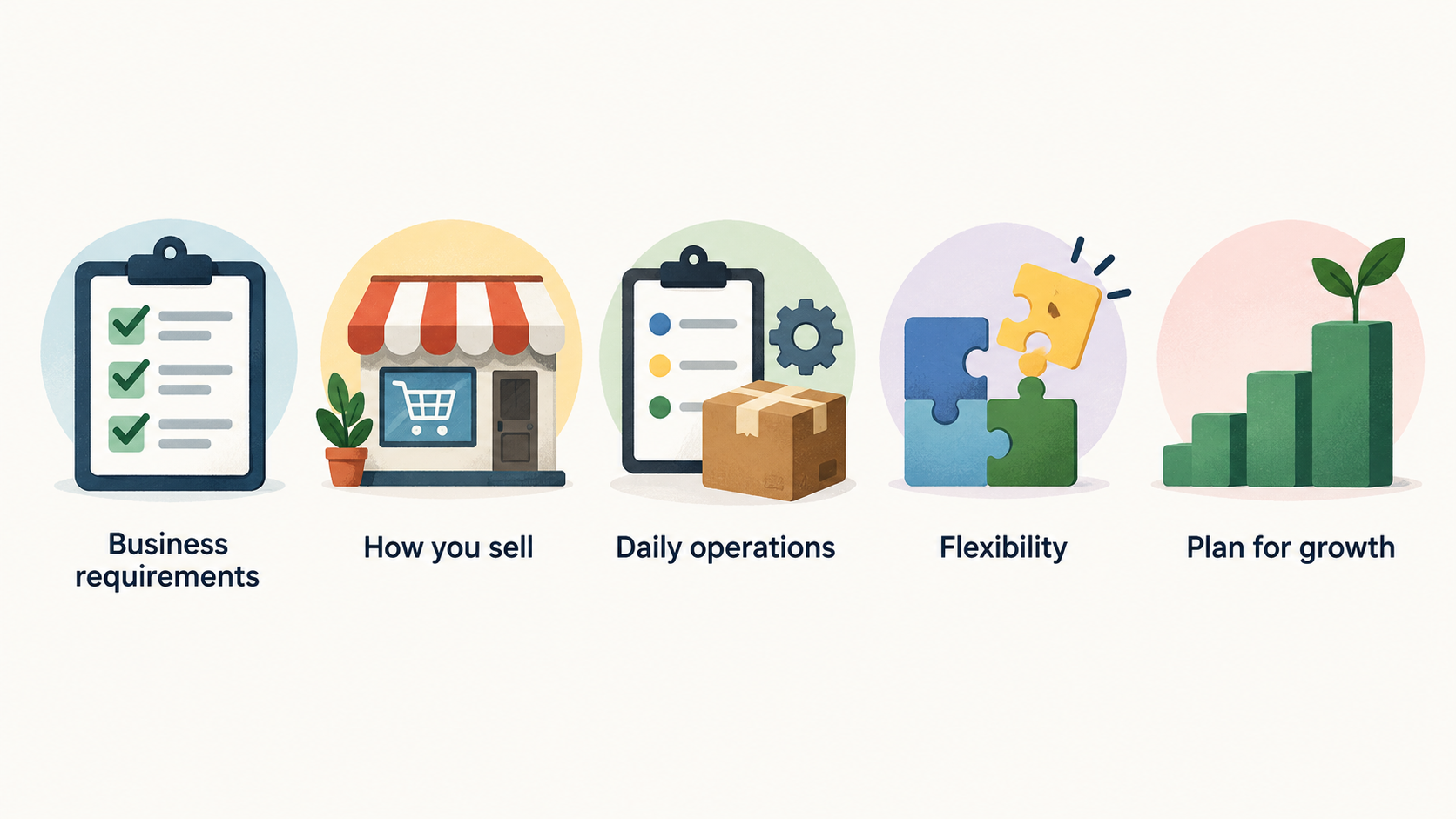
Choosing an ecommerce platform is less about finding the longest feature list and more about choosing a workable fit. Your store needs to support how you sell now, be manageable by the people who will run it, and leave room for credible next steps. Use the process below to turn a broad market into a short, testable shortlist.
Start with your business requirements
AI-generated illustration — not a retailer product photo.
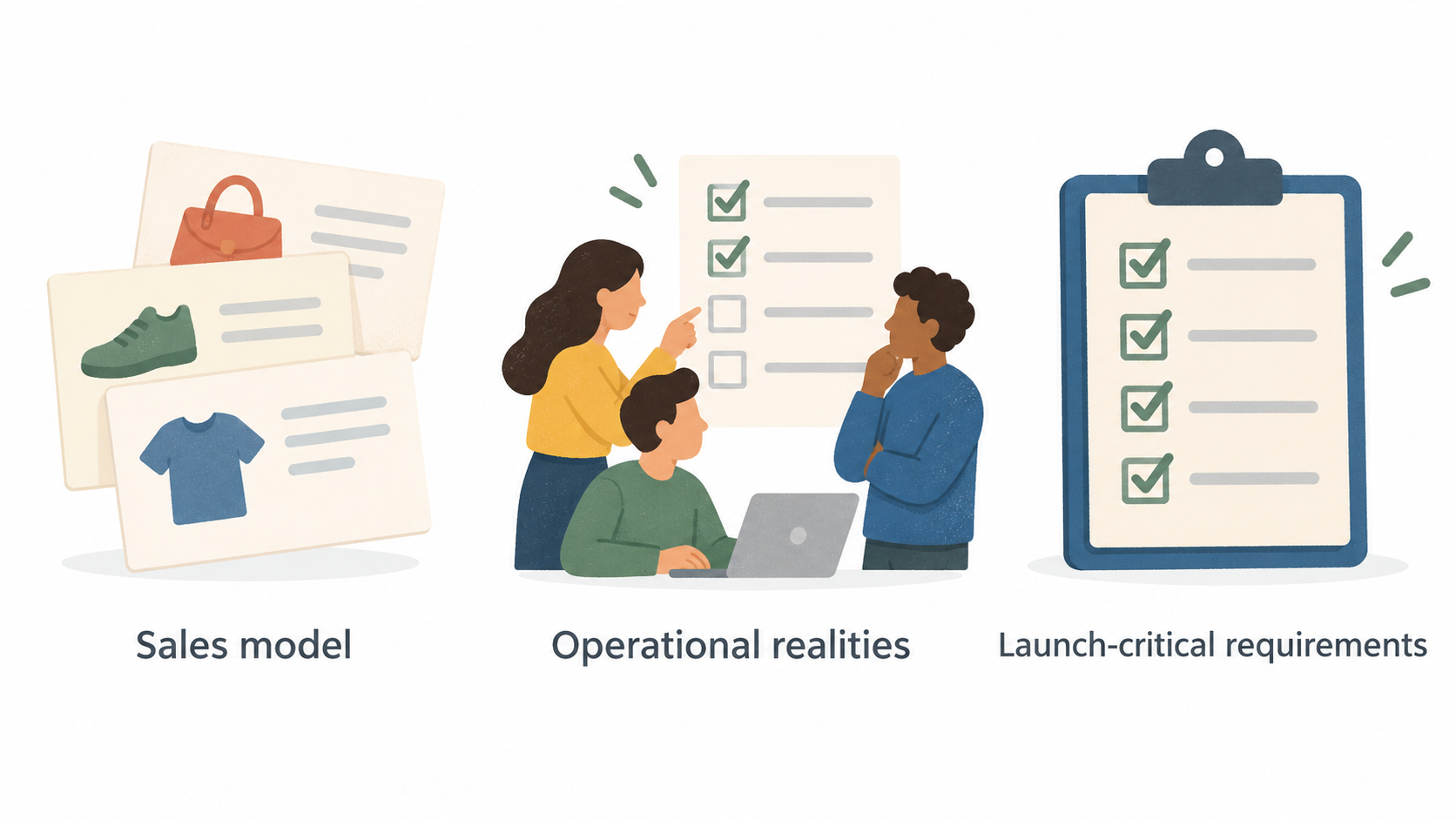
Before comparing platform names, write down what the business must be able to do. Start with your sales model: are you selling a focused product range direct to consumers, a large catalogue with variants, wholesale as well as retail, subscriptions, digital products, or a mixture? Then capture the operational realities behind it: who will add products, fulfil orders, answer customers, manage promotions and update pages?
Separate needs into three groups. First, list launch-critical requirements, such as catalogue structure, payments, delivery rules and a usable checkout. Second, identify operating requirements, including stock handling, order administration, reporting, customer support and any systems that must connect to the store. Third, note growth possibilities that are plausible within the next couple of years, rather than every feature you might one day want.
A simple decision guide is useful here: document requirements, mark each as essential or optional, identify the skills available in your team, then create a shortlist to test. This prevents a polished demonstration from distracting you from the everyday work of running the business.
The right answer can differ even between similar UK businesses. A small brand with a tight product range may value speed and simplicity. A business with complex product data, multiple customer groups or several sales channels may need a different level of configuration. Treat your requirements document as the reference point for every later comparison.
Match the platform to how you sell
AI-generated illustration — not a retailer product photo.
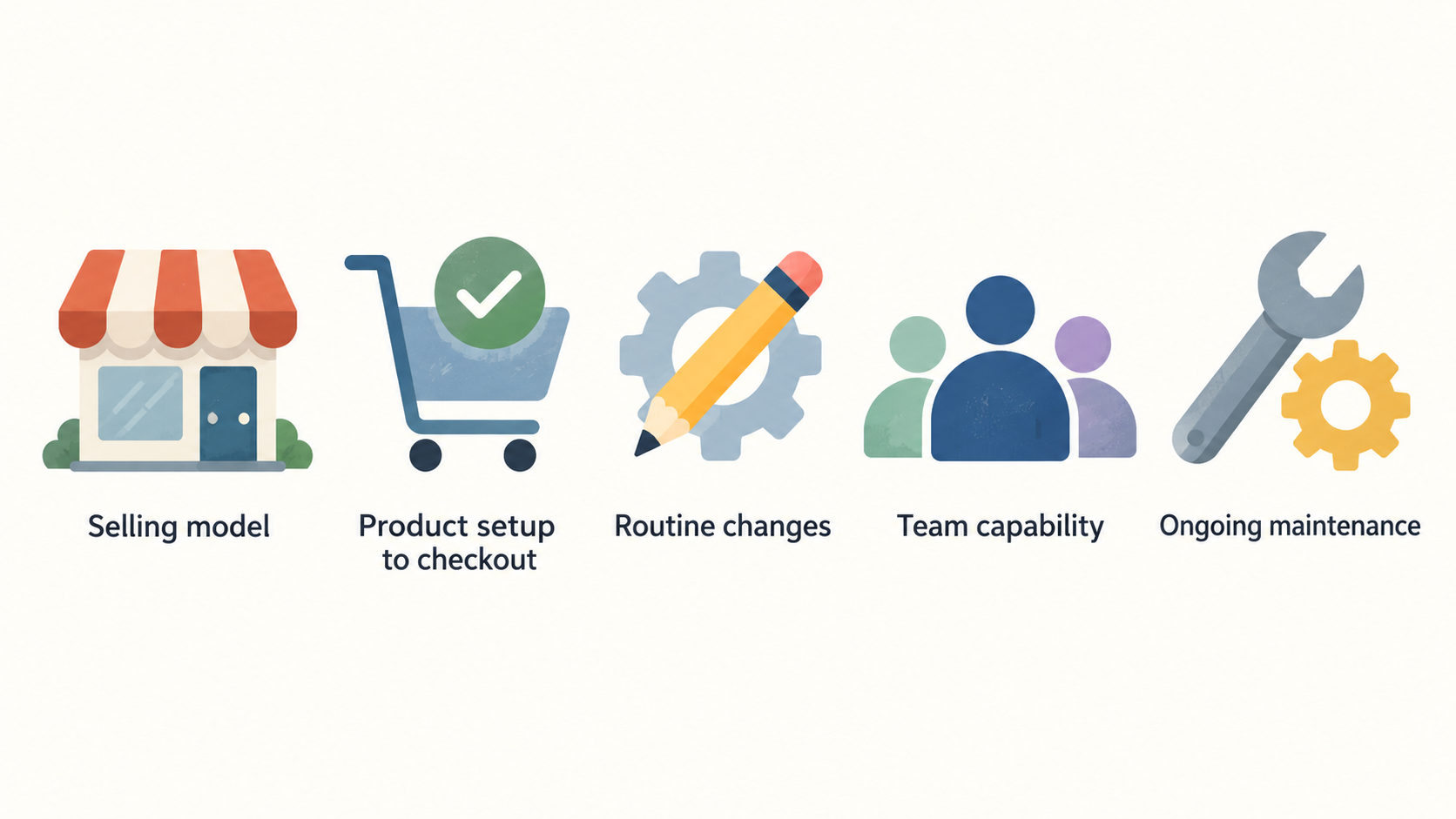
Your selling model has a direct effect on platform fit. For a straightforward direct-to-consumer store, prioritise a clear route from product setup to checkout, a storefront that the team can update, and a workflow that does not depend on a developer for routine changes. If your operation has more moving parts, make those visible in the shortlist criteria: product variants, customer-specific pricing, wholesale processes, channel connections, international requirements or separate storefronts can all change the practical fit.
Team capability matters as much as catalogue size. A platform may be capable of a highly tailored storefront, but that is only helpful if you can afford the design, development and ongoing maintenance it requires. Conversely, a more guided platform can be a strong fit when the owner or a small team needs to publish, promote and maintain the store themselves.
The supplied official Shopify material illustrates that one platform can offer distinct build approaches: a ready-made theme, a completely custom build using Liquid, or a headless build using Hydrogen or other API-led technology. That range is useful evidence for the question to ask, rather than a reason to choose a particular provider: which level of storefront control does your business genuinely need? Shopify also presents examples across theme, Custom Liquid and headless implementations, so compare the route as well as the platform name.
Create two or three realistic buyer profiles for your business—such as “owner-managed launch”, “growing catalogue with agency support” and “custom commerce experience”—and score each candidate against them. A platform that suits one profile may be a poor match for another.
Assess the essentials for launch and daily operations
AI-generated illustration — not a retailer product photo.
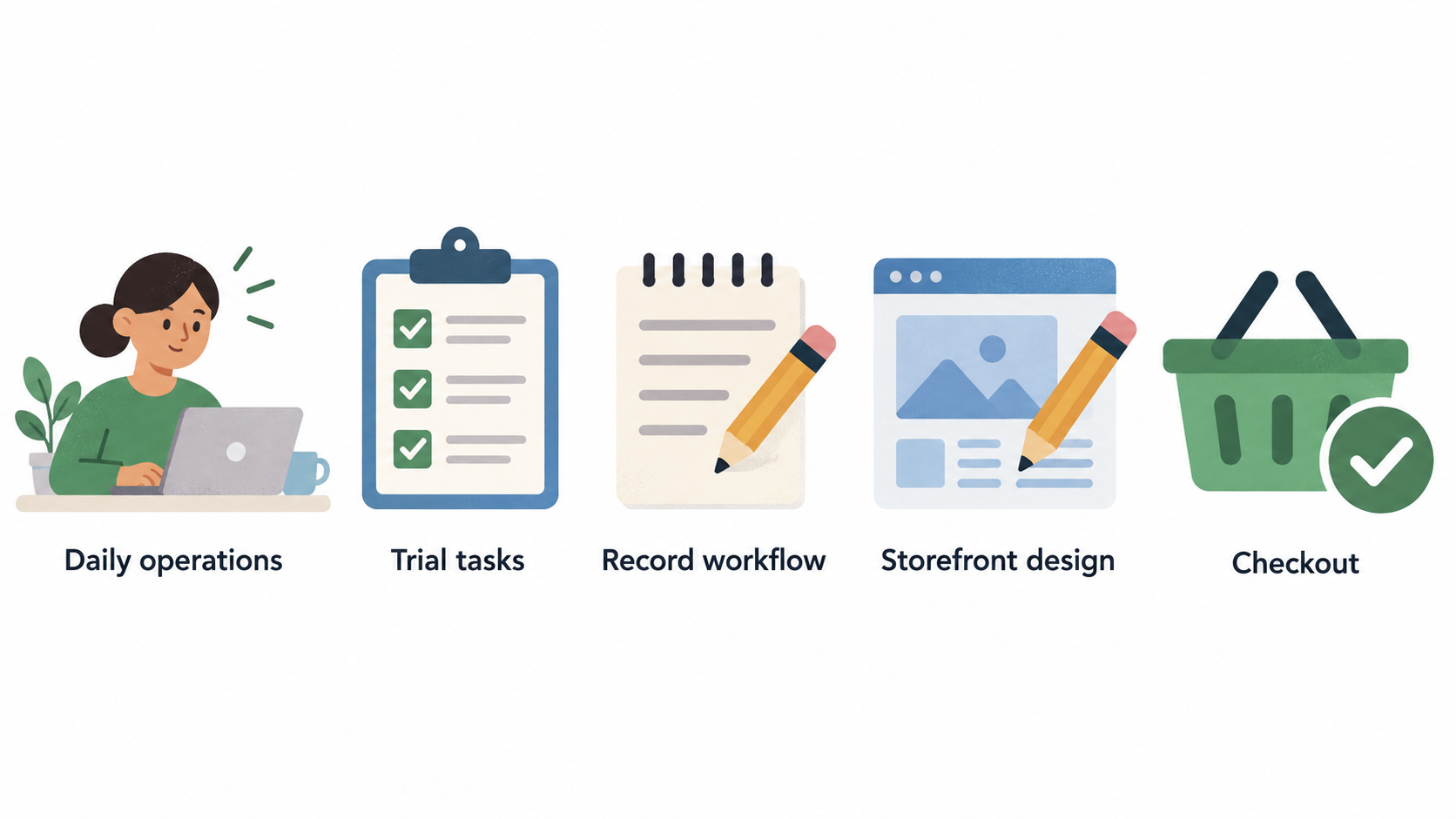
A platform should make the critical work understandable on an ordinary working day, not only during setup. In a trial, ask the people who will use it to add several representative products, create collections or categories, set delivery options, process a test order, issue a refund or cancellation where available, and make a basic content change. Record where the workflow is clear, where it needs specialist knowledge and where an additional app or service would be required.
Review storefront design and checkout separately. Design controls affect how quickly you can create useful product and campaign pages; checkout affects the final customer journey and often involves less day-to-day editing. Do not assume that a visually flexible storefront automatically gives you the same freedom everywhere else. Ask what can be configured by the team, what needs code, and what is controlled by the provider.
Also examine administration. The initial product upload is rarely the only task. You will need a manageable way to update descriptions, images, prices, stock information, discounts and customer communications. If several people will work in the store, review permissions and handover needs. If an accountant, fulfilment partner or agency is involved, confirm the practical workflow rather than relying on a feature label.
The official BigCommerce material frames ecommerce platforms around building a store with or without code, apps and integrations, channels, checkout, payments, inventory, shipping and promotions. Use that breadth as a prompt for your own test checklist. Not every capability needs to be present on day one, but the launch-critical set should work cleanly without an improvised collection of workarounds.
Weigh flexibility against complexity
Flexibility has a cost. Templates can speed up a launch and give a small team a controlled way to change the store. Apps can extend a platform when a specific gap appears. Custom development can support distinctive customer journeys or unusual operational rules. A headless approach can give a business greater control over the customer-facing experience and technology choices.
None of these routes is automatically better. Each adds a different kind of commitment. A template-led store may involve fewer technical decisions but offer less bespoke control. Apps can solve focused problems, yet they should be assessed for recurring fees, overlapping functions, support and what happens if the app changes. Custom work can produce a closer fit, but the business needs a budget, ownership model and maintenance plan. Headless commerce can be appropriate for a well-defined need, but it adds architectural and delivery complexity that a simple launch may not need.
The Shopify source explicitly distinguishes theme-based, custom Liquid and headless build paths. Use that distinction to test the scope of a proposal. If a supplier recommends a highly customised route, ask which business requirement cannot be met with the simpler option, who will maintain the implementation, and what the store team can safely change without assistance.
Choose the least complex route that meets the documented requirements. You can always plan a later change when there is a clear commercial reason; recovering from unnecessary complexity is usually harder than adding it deliberately.
Plan for growth without overbuying
Growth planning should focus on likely pressure points, not speculative scale. Consider what could change if your order volume rises, your catalogue expands, you add a marketplace or social channel, introduce wholesale, sell across borders, or connect a new fulfilment, accounting or customer system. Write down which of those are committed plans, which are possible, and which are simply ideas.
Then ask each shortlisted provider how those needs are handled in practice. Look for the configuration required, the external services involved, the skills needed and the cost implications. If a future requirement would require a migration or a specialist build, that does not rule the platform out; it means the decision should include an informed transition plan rather than an assumption.
The official BigCommerce material presents capabilities across apps and integrations, multiple channels, international commerce, multi-storefront operation and migration from other platforms. Those categories are useful prompts when evaluating future fit, but they should not become a requirement merely because they exist. A small business should buy for its current operation plus its credible next stage, not for every possible expansion path.
For each candidate, make a short “growth checkpoint” note. State the next expected change, what must be validated before it happens, and whether specialist support would be needed. This keeps the selection grounded while avoiding a platform that leaves no realistic route forward.
Use a practical platform selection process
Start with a requirements list and reduce the market to a small number of candidates that meet the essentials. Ask for clear information about subscription charges, transaction-related charges where relevant, apps, themes, implementation help, development, support and any contract commitments. Compare the total operating picture for your intended setup rather than comparing only an entry price.
Next, run a structured demonstration or trial. Give each candidate the same scenarios: build a representative page, add products, configure a common promotion, complete a test purchase, manage an order and review the administration area. Involve the person who will own daily operations, not only the person making the purchase. A provider or agency should be able to explain which requirements are native, which depend on an extension, and which require custom work.
Score the shortlist against your essential requirements, operating ease, total cost, support model and credible growth path. Keep a written record of assumptions, especially where an integration, migration or customisation is involved. Before signing up, check what data you can export, what help is available if you move later, and who owns any bespoke work.
Finally, make the decision with a pilot mindset. Define the initial store scope, the measures that show the setup is working, and the date at which you will review whether the platform still fits. A disciplined process produces a more reliable decision than a generic ranking because it tests the platform against your business.
Frequently Asked Questions
How much should a UK small business budget for an ecommerce platform?
Budget for the full operating setup, not only the headline subscription. Include the plan you need, design or theme work, apps or integrations, payment-related charges where applicable, product and content setup, support, and any developer or agency time. Build a first-year estimate for the specific store you intend to launch, then compare it with the ongoing monthly or annual cost. If a feature depends on an extension or custom work, treat that dependency as part of the budget rather than an optional extra.
Should I choose a platform that I can manage without a developer?
Usually, routine tasks should be manageable by the people responsible for the store. That includes products, content, promotions and order administration. You may still choose a platform that uses a developer for initial setup or specialist changes, but make sure the boundary is clear. During a trial, have the store owner perform common tasks without assistance. If everyday updates repeatedly need technical support, factor that ongoing dependency into both the decision and the cost.
When should a small business consider a more customised or headless ecommerce setup?
Consider it when a specific, important requirement cannot be met well through a theme-led or standard configuration, and when the business has the budget and support model to maintain the added complexity. The official Shopify material shows that theme, custom Liquid and headless routes can coexist within one platform. Use that as a reminder to define the problem first: a customised route should solve a documented customer, operational or technology need—not simply provide more options.
Sources
Related reading
- Best ecommerce platforms for UK small businesses: evidence-led choices by store need
- Shopify vs Wix for UK online stores: which platform fits your operating model?
- Ecommerce platform feature checklist: inventory, payments, shipping, and integrations
- How to compare ecommerce platform deals without overlooking transaction fees and add-ons
Editorial information: About our editorial team · Read our editorial policy · Read our affiliate disclosure.