Squarespace Commerce is an integrated website-and-selling option for UK creators and smaller businesses that want their storefront, content and customer-facing site in one place. It can support a broad mix of sales models, but the right plan depends on what you sell, how you collect payment and which operational features you need.
Squarespace Commerce Overview
AI-generated illustration — not a retailer product photo.
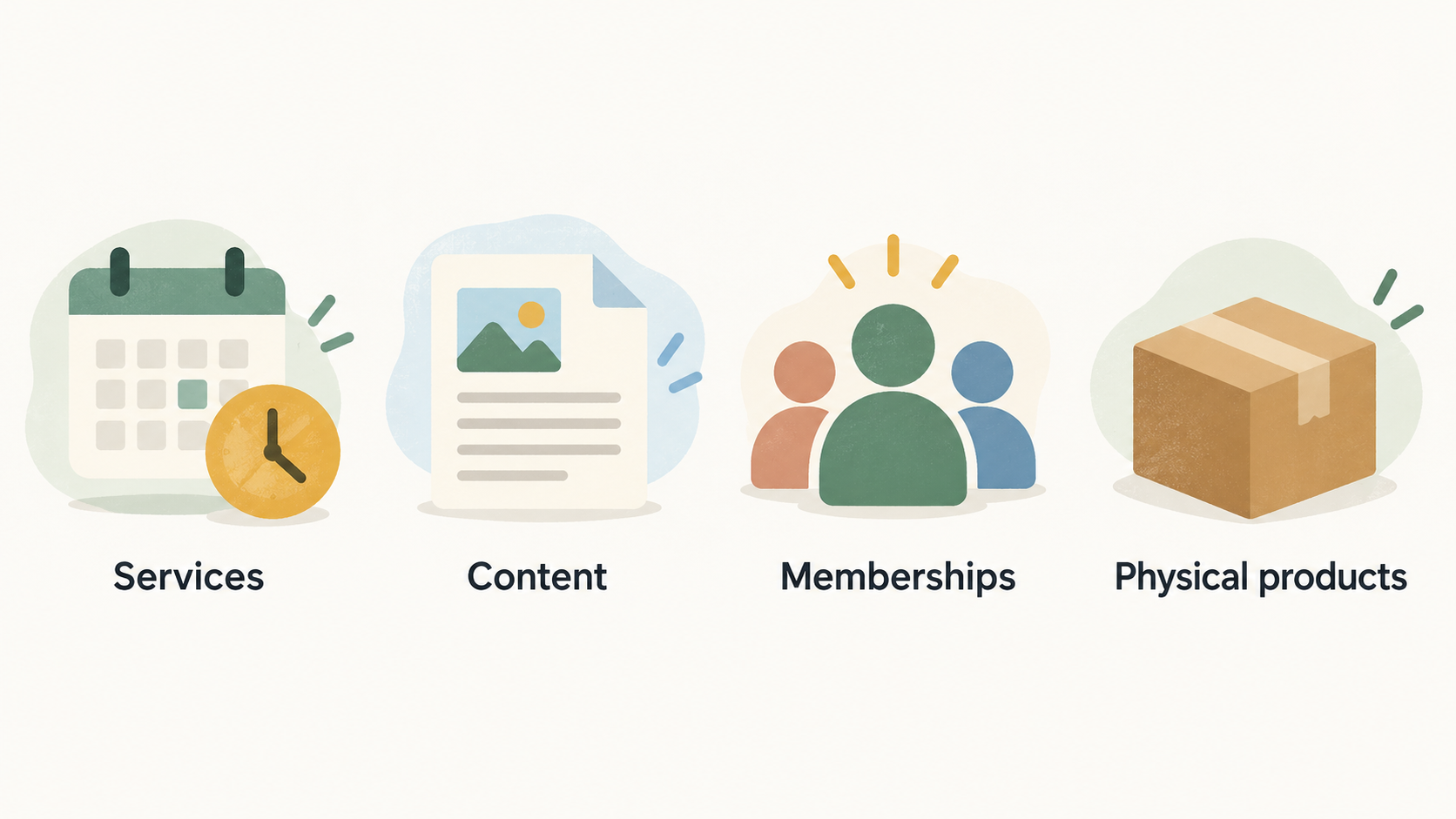
Squarespace Commerce combines website-building tools with ecommerce features, making it a practical starting point for a UK business that wants to present its brand and sell from the same site. Squarespace says its platform can be used to sell services, content, memberships and physical products, while its pricing comparison includes tools for accepting payments, selling products and services, and marketing a brand.
That integrated approach may be particularly appealing if your store is closely connected to a portfolio, editorial content, classes or client services. Rather than treating the website as a separate marketing layer, you can assess the site and the selling workflow together.
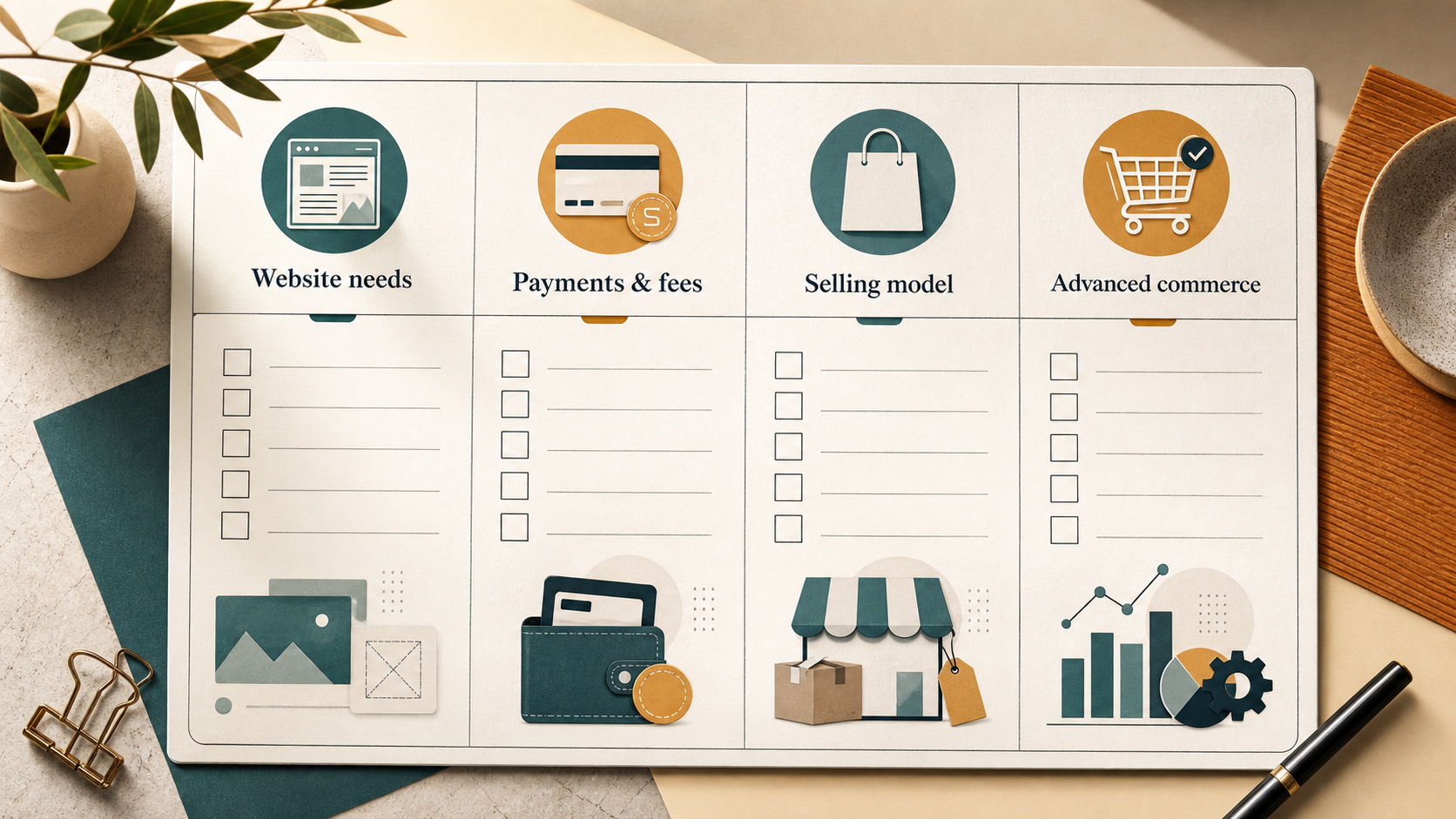
It is not a universal best choice. A business should first identify its selling model, payment needs and any advanced operational requirements, then compare those needs against the current plan details. For a wider decision, it can also help to compare ecommerce website builders designed for UK small businesses.
What Squarespace Commerce Includes
AI-generated illustration — not a retailer product photo.
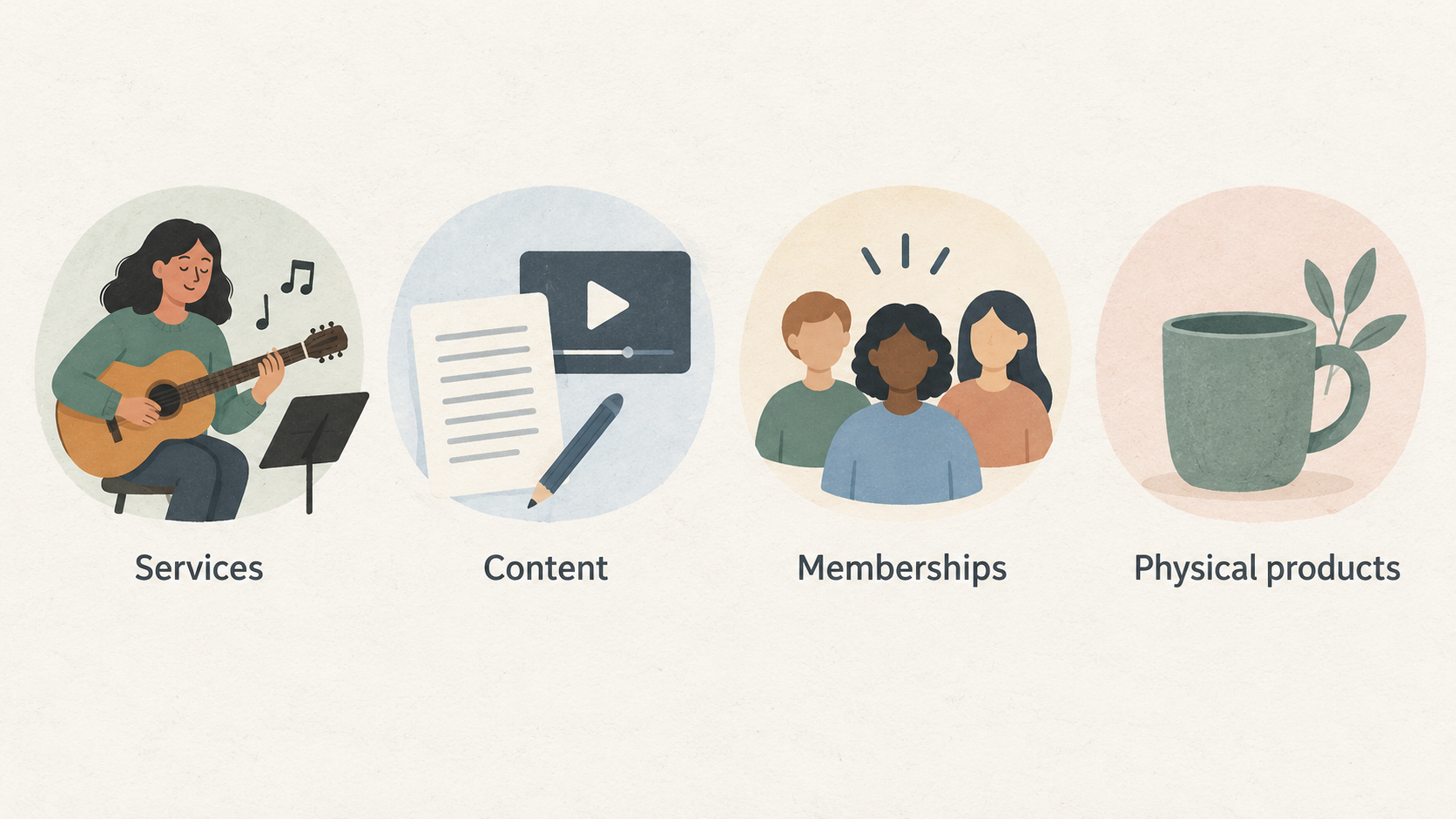
Squarespace describes its commerce platform as supporting services, content, memberships and physical products. Its official guidance also gives examples that are useful for smaller operators: creative services such as photography, interior design and music lessons; classes and workshops; and physical-product stores.
The pricing feature comparison lists fully integrated ecommerce, unlimited products and services, gift cards, invoices and project management, courses, blogs, videos, memberships and subscriptions. It also lists checkout on your domain, payment links, discounts, payment plans, product promotion on Facebook and Instagram, and abandoned-cart recovery on relevant plans.
For a small team, the important question is not simply whether a feature appears on the platform. It is whether the feature supports the way you already work. A service business may value portfolios, contact pages, invoices and project-management tools. A retailer may prioritise product management, checkout, tax tools and product promotion. A membership or content business should check the applicable feature and transaction-fee terms before committing.
Squarespace also lists extensions, integrations and code-related options at different plan levels. If your workflow relies on a particular external system, confirm the relevant integration and plan support early rather than treating it as a later setup detail.
Squarespace Commerce Strengths
AI-generated illustration — not a retailer product photo.
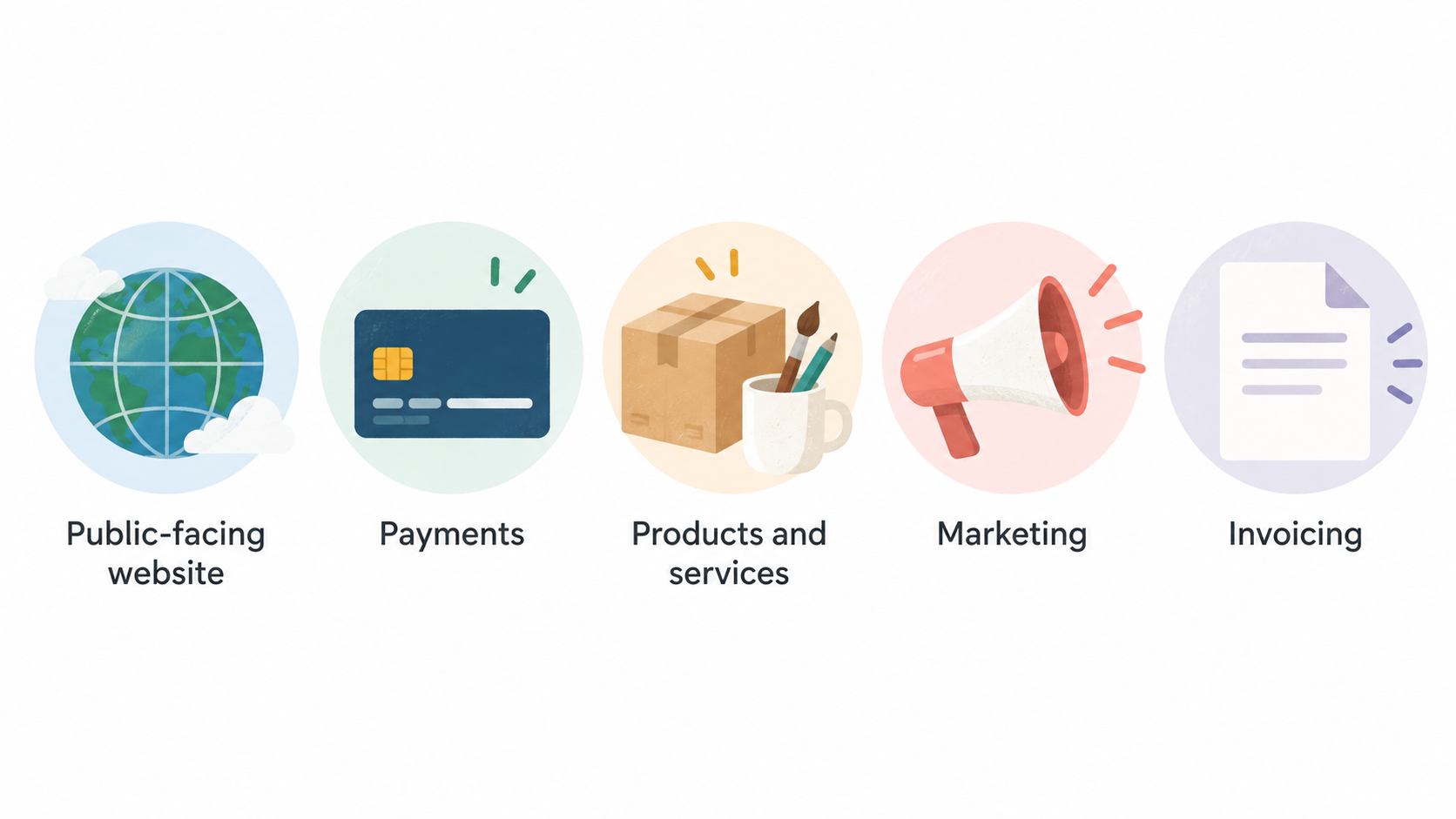
The clearest strength is the documented breadth of the integrated offer. Squarespace positions the same platform for a public-facing website, payments, products and services, marketing, invoicing and ecommerce transactions. That can make evaluation simpler for businesses that would otherwise need to coordinate several separate tools.
Its official materials also show a credible range of use cases. Creative-service providers can use a portfolio and contact page to start conversations, then use invoicing and project-management tools to support administration. Stores can sell physical products, while other businesses can assess memberships, subscriptions, courses, videos or digital content according to their plan.
The plan comparison includes selling and promotional capabilities such as checkout on your domain, pay links, gift cards, discounts, payment plans and social promotion. These are decision-useful features for a smaller team because they connect the customer journey from discovery to payment without requiring a separate storefront platform.
The advantage is therefore best understood as consolidation, not a guarantee of business results. Squarespace provides the tools listed in its official materials; a merchant still needs to validate that the chosen plan, payment arrangement and selling process suit its own operation.
Squarespace Commerce Limitations to Consider
Squarespace’s own documentation makes clear that commerce availability is plan-dependent. Its support guidance says commerce features are available on Basic, Core, Plus, Advanced or some Legacy plans, while the pricing page shows different feature levels across plans. A store should not assume that a feature available somewhere in the comparison is included in every subscription.
Transaction fees also vary by plan. The official comparison lists different online-store transaction-fee and digital-content-and-memberships transaction-fee rates across the plan range. It also notes that invoice transaction fees are available only with Squarespace Payments. These are important checks for businesses with recurring sales, content-led revenue or frequent invoicing.
Some features in the comparison are presented as advanced capabilities, including abandoned-cart recovery, subscription goods or services, automated global tax calculations, Google Shopping display and advanced Facebook and Instagram advertising. If one of these is central to your operating model, verify its inclusion, current terms and any relevant payment requirements before selecting a plan.
Finally, a specialised workflow may require more than a feature-list match. Check the integrations, extensions, contributor needs and the precise payment, tax and fulfilment setup your business requires. If those needs extend beyond the documented fit, compare alternatives before building around the platform.
How to Choose a Squarespace Commerce Plan
Start with the sales model. List whether you plan to sell physical products, services, digital content, memberships, subscriptions, classes or a combination. Then map that list to the official feature comparison rather than choosing on headline price alone.
Next, check payment acceptance and fees. Squarespace lists payment acceptance, payment links and plan-specific transaction-fee differences, including separate treatment for online-store transactions and digital content or memberships. If invoices matter to your business, review the Squarespace Payments condition shown on the pricing page.
Then identify operational features that could change the plan decision: gift cards, discounts, payment plans, abandoned-cart recovery, subscription selling, tax calculations, social promotion, integrations and advanced customisation options. A feature you need every week is usually more important than a feature that merely sounds useful.
Finally, review the live Squarespace pricing page for current annual-versus-monthly billing, plan availability and terms before purchase. The page currently states that annual payment can provide savings, but billing options and commercial terms should always be confirmed at the point of sign-up.
Who Squarespace Commerce Is Best For
Squarespace Commerce is likely to be a closer fit for UK creators and small retailers whose website is part of the sales experience. This includes creative-service businesses that need a portfolio, lead contact and invoicing path; merchants selling physical products; and operators exploring content, memberships, subscriptions, classes or workshops.
It may also suit teams that prefer to assess a single platform for their website, selling tools and brand promotion. The official materials describe capabilities for displaying a portfolio, connecting with clients, accepting registrations, selling products and promoting a store.
Compare alternatives if your business depends on a specialised workflow that cannot be confirmed in Squarespace’s current plan and integration information. The best comparison point is your actual operating requirement: how customers buy, how you take payment, what you must manage after the sale and which external tools you cannot replace.
Getting Started with Squarespace Commerce
Begin by defining what customers will buy and what the customer journey should look like. A product shop, a creative-service site and a workshop business may all use Squarespace differently, even though the platform supports each of those models.
Review templates and build the core site structure around the customer’s next step: browse a product, enquire about a service, register for a class or purchase content. Then configure the relevant selling options, payment acceptance and any required invoices, memberships or subscriptions.
Before publishing, compare your checklist against the official plan page. Confirm that your plan includes the features you need, understand applicable transaction-fee terms and check any conditions connected to Squarespace Payments. If you rely on extensions, social promotion, tax tools or advanced selling features, validate those requirements before accepting payments.
A separate UK ecommerce pre-launch checklist can help you test the practical details around product information, customer communications and launch readiness.
Frequently Asked Questions
Can I sell services as well as physical products with Squarespace Commerce?
Yes. Squarespace’s support guidance says its website can be used to sell services, content, memberships and physical products. It specifically describes creative-service use cases and tools such as portfolios, contact pages, invoices and project management. Commerce availability remains plan-dependent, so check the plan that matches your service workflow.
Which Squarespace Commerce features vary by plan?
The official feature comparison shows plan differences for areas including payment acceptance, online-store transaction fees, digital-content-and-memberships transaction fees, video storage, contributor limits, ecommerce features and advanced selling tools. Review the current comparison for the exact plan level of any feature you need.
Can Squarespace Commerce support memberships, subscriptions, or digital content?
Squarespace lists digital content, memberships and subscriptions in its plan comparison, alongside courses, blogs and videos. The fees and availability shown for digital content and memberships vary by plan, so confirm the relevant current terms before using those revenue models.
What should I check before accepting payments on a Squarespace store?
Confirm that your chosen plan supports the payment and selling features you need, then review the applicable transaction-fee terms. If you intend to invoice customers, note the official pricing-page condition for no invoice transaction fees with Squarespace Payments. Also verify any tax, subscription, promotion or integration requirements that are essential to your launch.
Ready to compare your selling needs with Squarespace’s current plan features? Use the official plan comparison as your final pre-sign-up check.
Sources
Related reading
- Best ecommerce platforms for UK small businesses: evidence-led choices by store need
- Wix ecommerce review for UK small businesses: practical fit and limitations
- BigCommerce review for UK growing retailers: platform fit and buying questions
- Annual vs monthly ecommerce platform plans: when paying yearly can make sense
Editorial information: About our editorial team · Read our editorial policy · Read our affiliate disclosure.